스파르타 코딩클럽 나홀로 코딩 패키지 1주차
처음에 시작할때 페이스북에서 구경하다가 시작을 했다
<h1> = 큰 글씨 검색엔진에서 주로 검색됨<h2> = 소제목<h3> = h3~h6 까지 있다 자주 사용하진 않지만 각자의 특징이 있다<span> = 글자를 꾸밀때 사용한다<a> = 하이퍼링크를 사용한다<img> = 이미지를 불러온다<input> = 글을 적어서 값을 받는곳이다<button> = 버튼을 만든다<textarea> = 진짜 뭔지 모르겠다..
1일차엔 로그인을 만들었다 옛날에 했었는데 까먹어서 기억이 안났던border-radius 배워서 정말 좋았다디자인도 깔끔했다
<!DOCTYPE html>
<html lang="en">
<head>
<meta charset="UTF-8">
<title>로그인페이지</title>
<link rel="preconnect" href="https://fonts.googleapis.com">
<link rel="preconnect" href="https://fonts.gstatic.com" crossorigin>
<link href="https://fonts.googleapis.com/css2?family=Jua&display=swap" rel="stylesheet">
<style>
*{
font-family: 'Jua', sans-serif;
}
.mytitle {
width: 300px;
height: 200px;
color: white;
text-align: center;
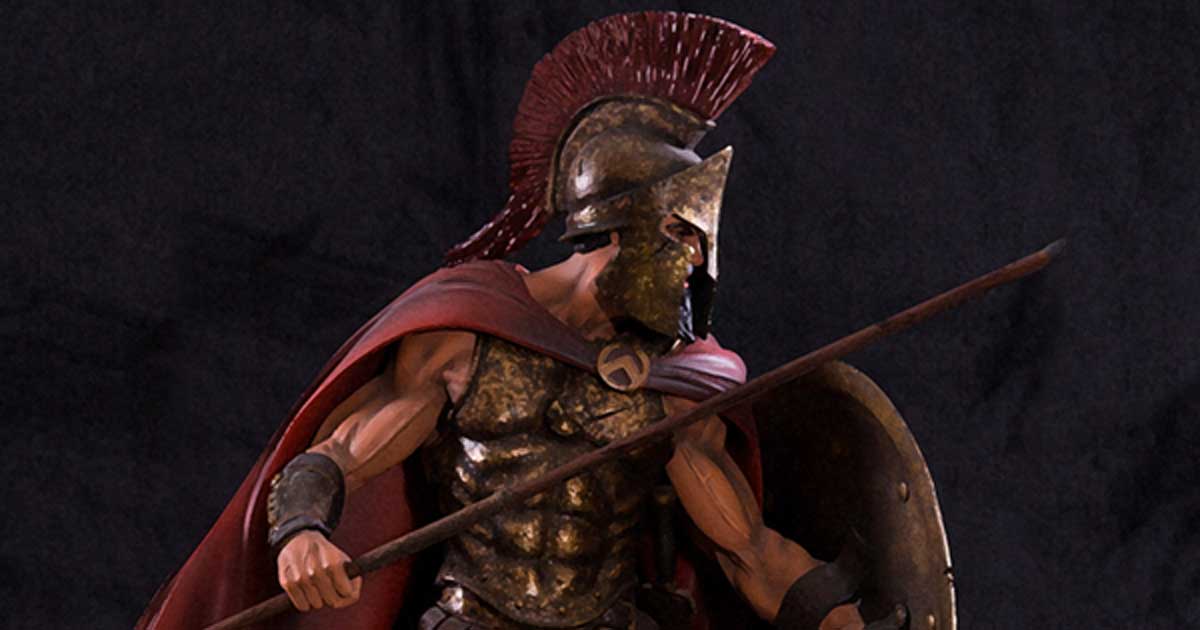
background-image: url(https://www.ancient-origins.net/sites/default/files/field/image/Agesilaus-II-cover.jpg);
background-size: cover;
background-position: center;
border-radius: 10px;
padding-top: 20px;
}
.wrap {
width: 300px;
margin: auto;
}
.mybtn{
width:300px;
height: 50px;
background-color: brown;
border-radius: 10px;
}
</style>
</head>
<body>
<DIV class="wrap">
<div class="mytitle">
<h1>로그인 페이지</h1>
<h5>아이디, 비밀번호를 입력해 주세요</h5>
</div>
<p>ID: <input type="text" /></p>
<p>PW: <input type="text" /></p>
<button class="mybtn">로그인하기</button>
</DIV>
</body>
</html>